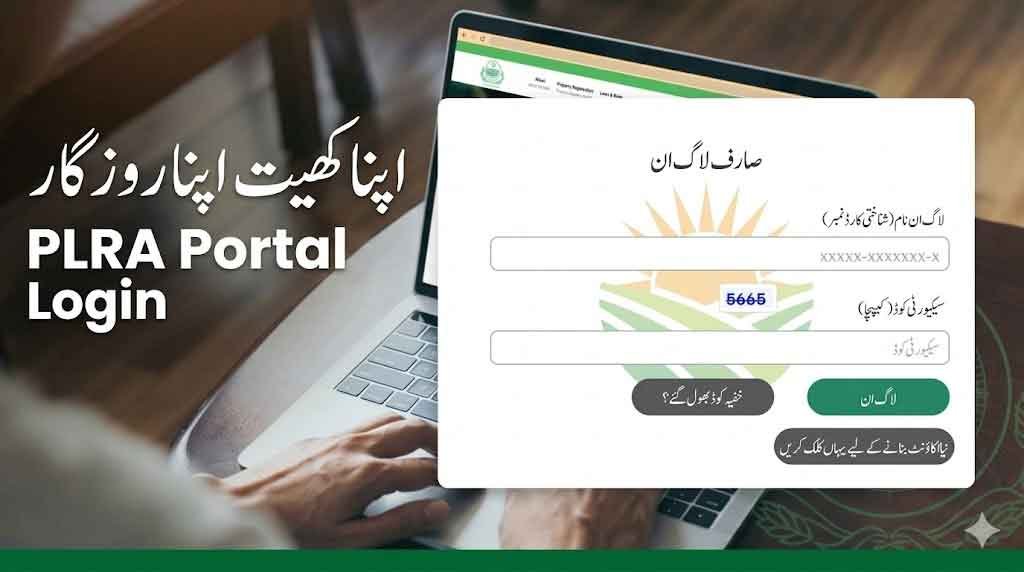
The PLRA Portal (Punjab Land Records Authority) is the official platform for land-related services and government Apna Khet Apna Rozgar Scheme in Punjab. Through https://www.punjab-zameen.gov.pk, applicants can access services like land records, verification, and apply for programs such as the Apna Khet Apna Rozgar Scheme 2026.
PLRA Portal 2026 Login punjab-zameen.gov.pk Apna Khet Apna Rozgar
The PLRA Portal (Punjab Land Records Authority) makes it easy for citizens to apply for the Apna Khet Apna Rozgar Scheme 2026 online. With a simple process and transparent system, this initiative provides a great opportunity for landless farmers to start their agricultural journey and improve their livelihood in Punjab.
What is the PLRA Portal Punjab Land Records Authority?
The Punjab Land Records Authority (PLRA) portal is designed to:
- Provide digital land record services
- Ensure transparency in land ownership
- Facilitate online applications for government schemes
- Support farmers and citizens with easy access to land-related data
punjab-zameen.gov.pk Registration
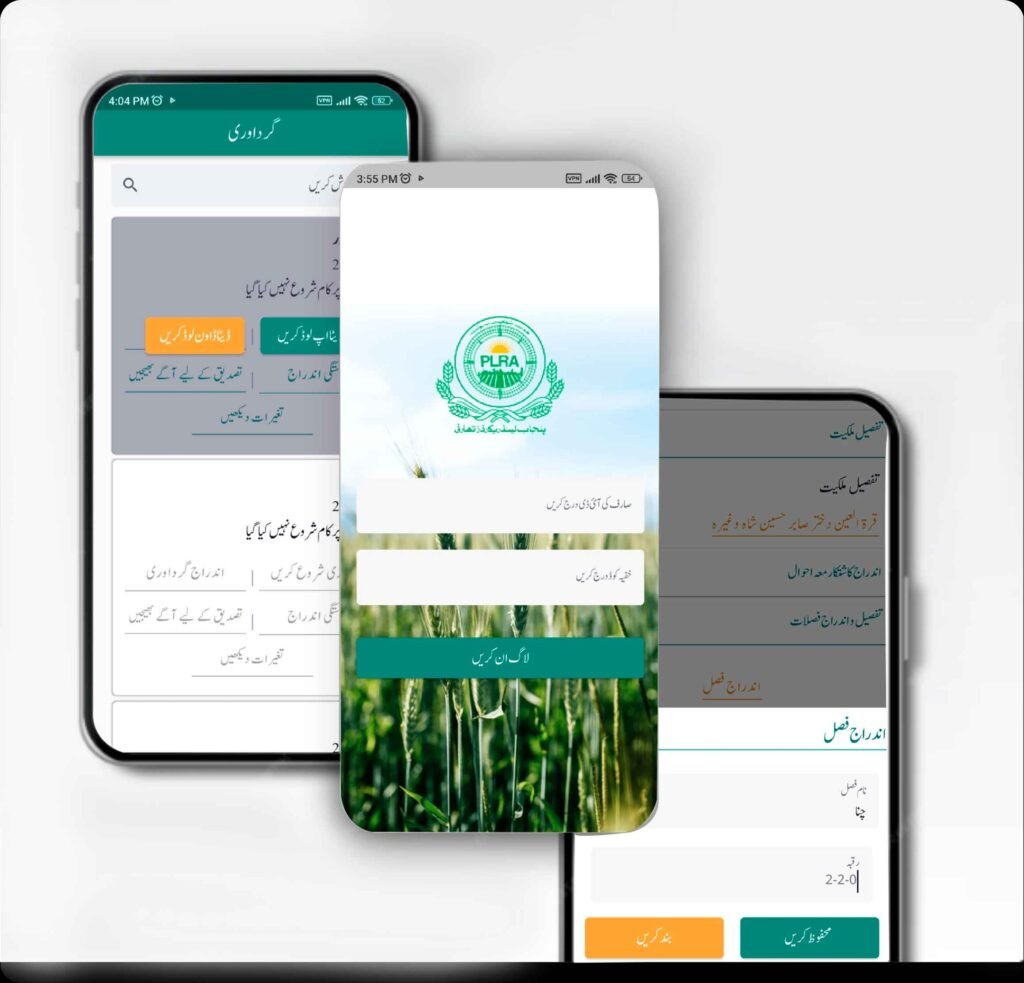
Apna Khet Apna Rozgar Scheme – Overview
The Apna Khet Apna Rozgar Scheme 2026 aims to:
- Provide government agricultural land on lease
- Support landless farmers and unemployed youth
- Promote modern farming and self-employment
- Boost rural economy and agriculture sector
Key Features of the AKAR Scheme 2026
- 10-year land lease
- Up to 5 acres per applicant
- Minimal rent (Rs. 100 per acre/year)
- Transparent computerized balloting
- Online application system via PLRA portal
PLRA Login Portal
Www.punjab-zameen.gov.pk Online Apply
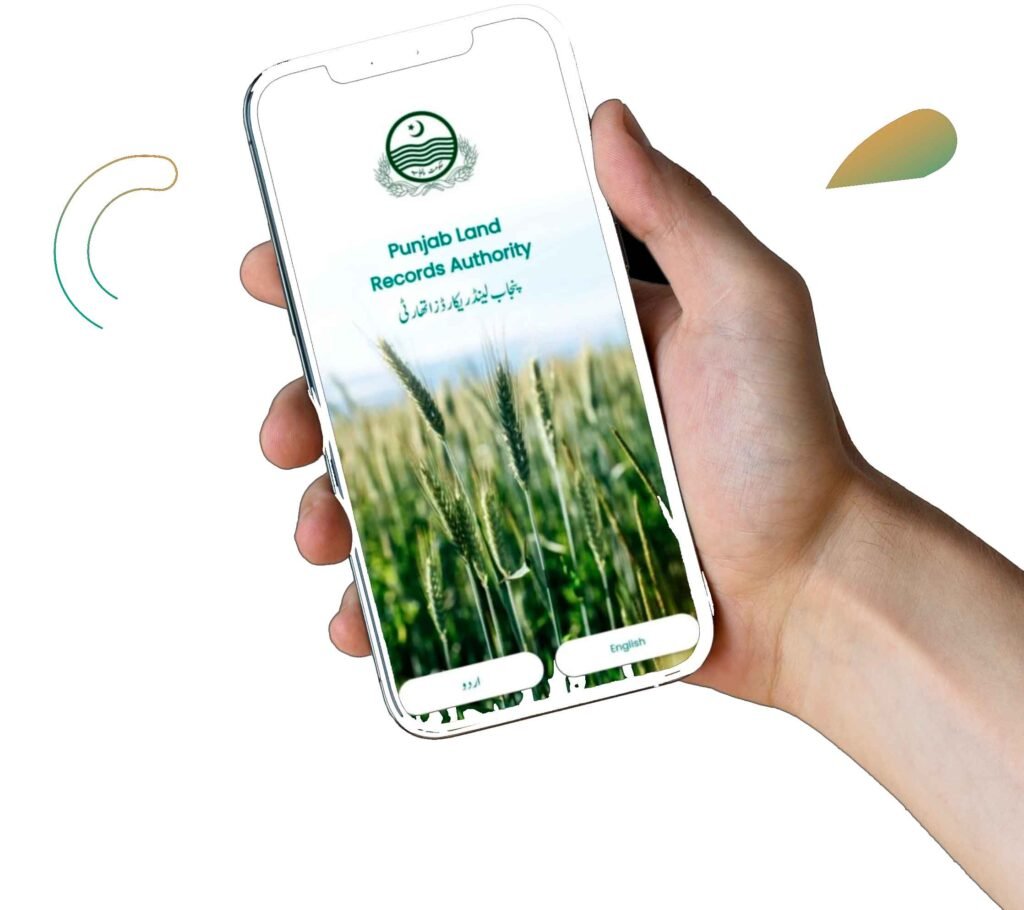
How to Apply Online via PLRA Portal
Follow these simple steps:
Step 1: Visit Official Website
Go to 👉 https://www.punjab-zameen.gov.pk
Step 2: Find Scheme Section
Look for Apna Khet Apna Rozgar Scheme 2026
Step 3: Register Account
- Enter CNIC
- Provide mobile number
- Create login credentials
Step 4: Login to Portal
Use your CNIC and password
Step 5: Fill Application Form
- Personal details
- Address information
- Land/agriculture interest
Step 6: Upload Documents
- CNIC copy
- Residence proof
- Supporting documents
Step 7: Submit Application
- Review details
- Submit form
- Save application number
Benefits of Using PLRA Portal
- Easy online application
- Transparent process
- Quick access to land records
- No need for middle agents
- Secure and government-managed system
🧑🌾 کون اپلائی کر سکتا ہے؟
- بے زمین یا چھوٹے زمین مالکان
- اسی ریونیو ایریا کے مستقل رہائشی
- ایک خاندان سے صرف ایک درخواست
- پہلے سے سرکاری لیز والے اہل نہیں
- سرکاری ملازمین اور ان کے اہل خانہ نااہل ہیں
📝 اپلائی کرنے کا طریقہ
- PLRA ویب سائٹ یا اسسٹنٹ کمشنر آفس سے درخواست
- کمپیوٹرائزڈ قرعہ اندازی کے ذریعے انتخاب
- رزلٹ PLRA ویب سائٹ اور AC آفس میں جاری ہوگا
⚠️ اہم شرائط
- قبضہ کے 30 دن میں پہلا کرایہ جمع کروانا ہوگا
- ہر سال 15 جنوری تک کرایہ ادا کرنا ہوگا
- ایک سال میں کاشت شروع نہ کی تو لیز منسوخ ہو سکتی ہے
- سال میں دو بار معائنہ کیا جائے گا
- لیز ختم ہونے پر زمین واپس حکومت کو دینا ہوگی
PLRA Portal Login
The PLRA (Punjab Land Records Authority) portal allows users to securely log in using their CNIC and password to access land records, apply for schemes, and track applications online through https://www.punjab-zameen.gov.pk.
PLRA Portal Sign Up / Register
New users can create an account by selecting the sign-up option, entering their CNIC, mobile number, and basic details. After verification, they can activate their account to use all PLRA online services.
PLRA Portal Sign In
Registered users can sign in anytime by entering their CNIC and password to access their dashboard, apply for schemes like Apna Khet Apna Rozgar, and view land record services in Punjab.